An Australian owned and operated Nextcloud workspace
deskonline.cloud is a digital workspace for business teams and individuals who need:
- a secure online workspace that is accessible using any internet connected device
- collaboration apps that support remote and hybrid working models
- clever tools for managing the lifecycle of business processes, from design to optimise
- Australian based data storage
Already a deskonline.cloud user? Log in
Australian owned and operated. Your data is hosted locally in Australian AWS data centres.
Your data stays yours. Nextcloud does not claim a right to co-own, access, share or lock you out of your own data.
Built in Brisbane. We use deskonline.cloud in our own businesses every day, so we live the user experience.
Work online
A secure online workspace that is accessible from any internet connected device.
- Australian owned and operated, hosting your data locally in Australian AWS data centres.
- Accessible with an internet connection from laptop, desktop, tablet or mobile phone.
- Desktop Sync app creates a seamless desktop-to-cloud working experience.
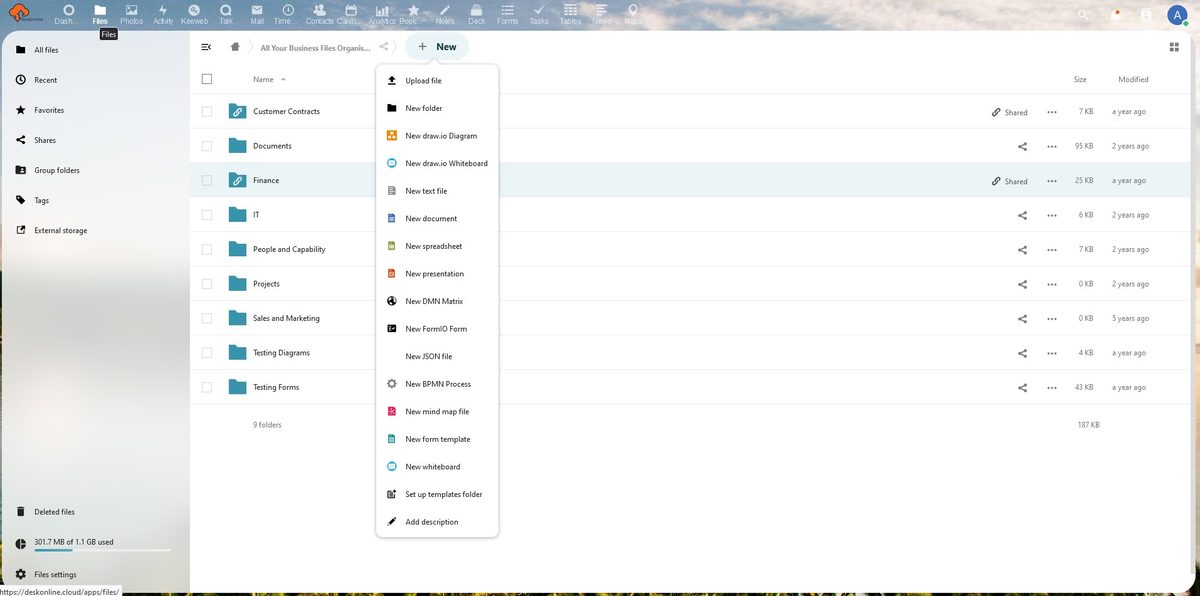
- Create and modify a range of file types, from documents (.doc, .docx), spreadsheets (.xls, .xlsx) and presentations (.ppt, .pptx) through to diagrams (.vsd, .vsdx) and business process models (.bpmn).
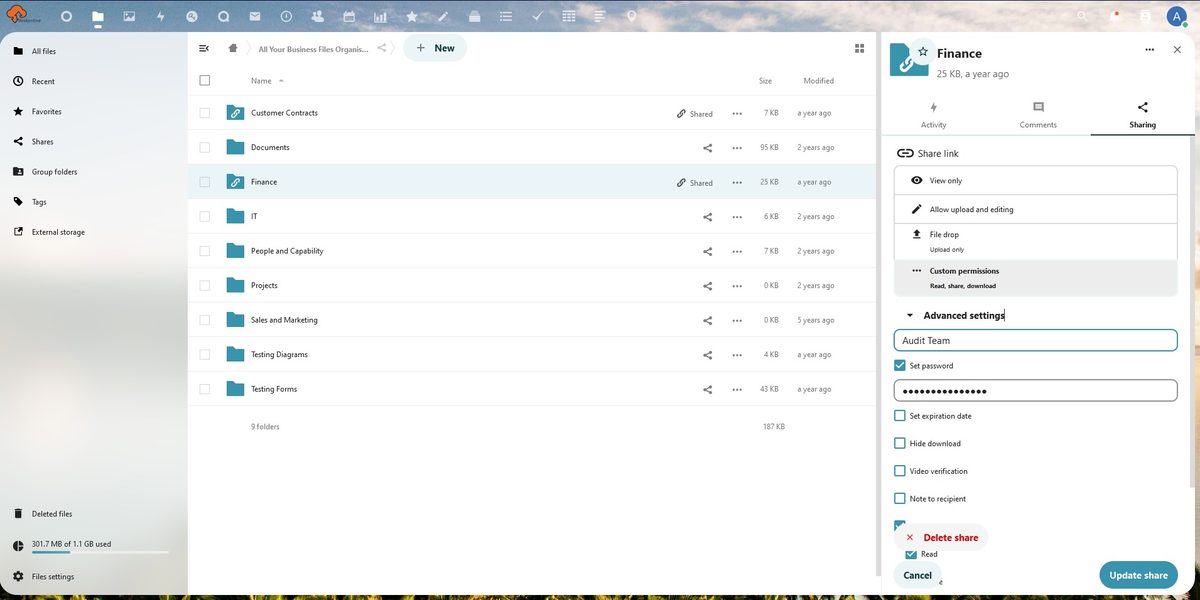
- Permission based file sharing of files and folders with internal and external users.
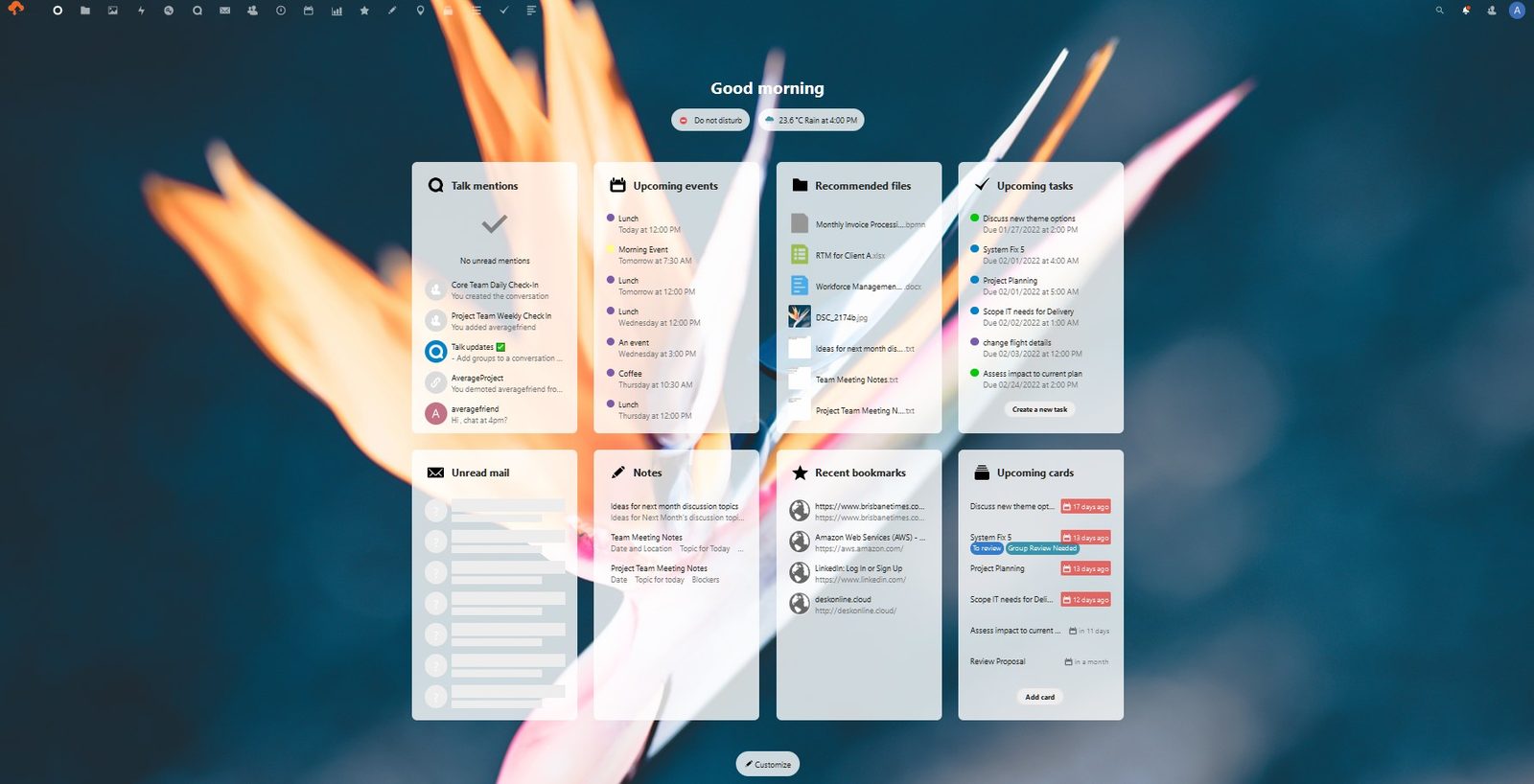
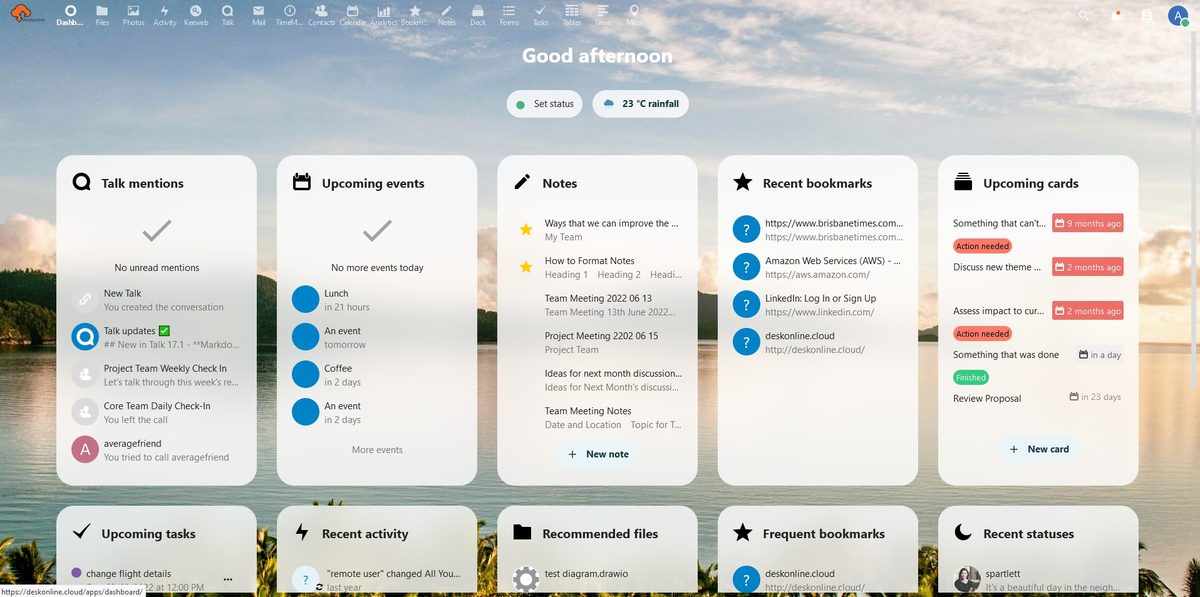
- Customisable dashboard for line of sight and quick access to upcoming activities.
Collaborate
Collaboration apps that support remote and hybrid working models.
- Integrate multiple email accounts for centralised inbox management.
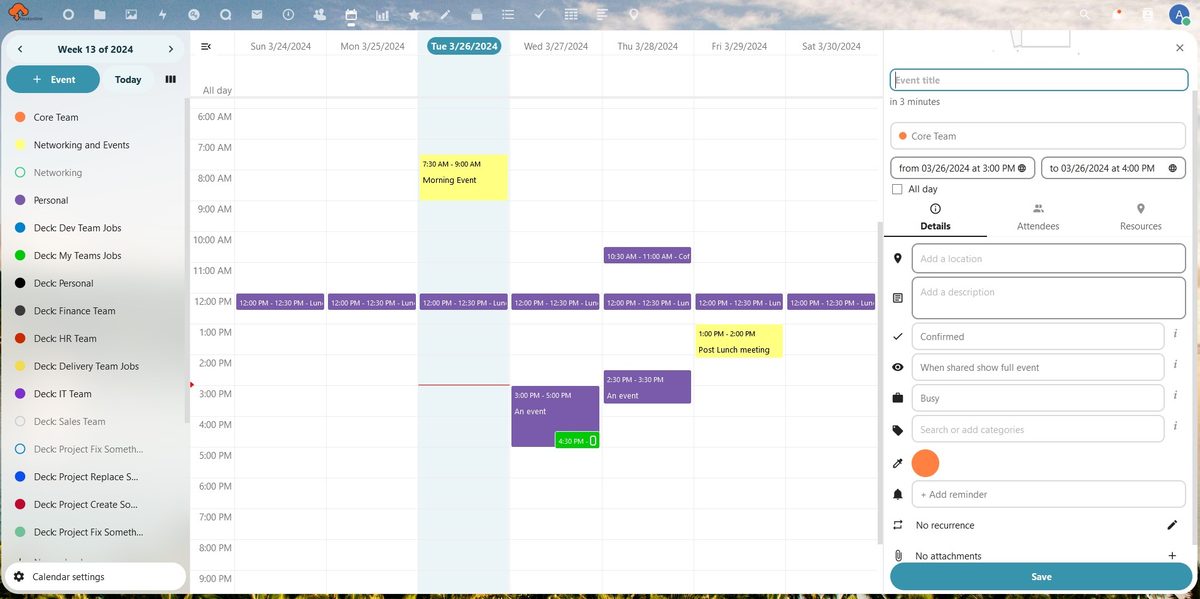
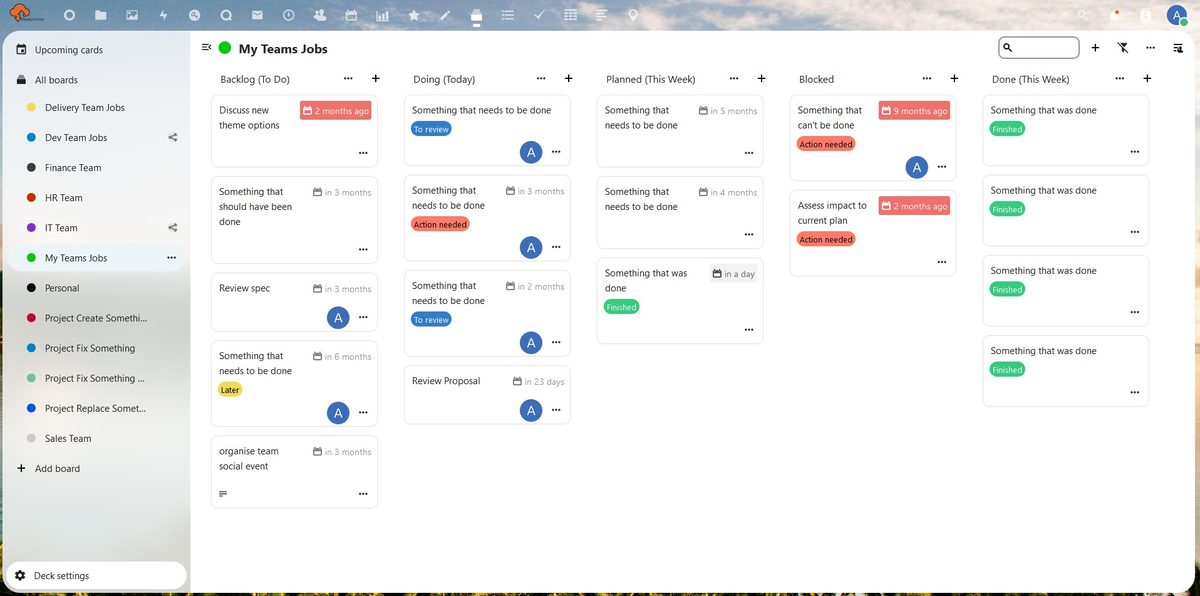
- Multiple calendars and task lists integrated with the Deck and Tasks apps.
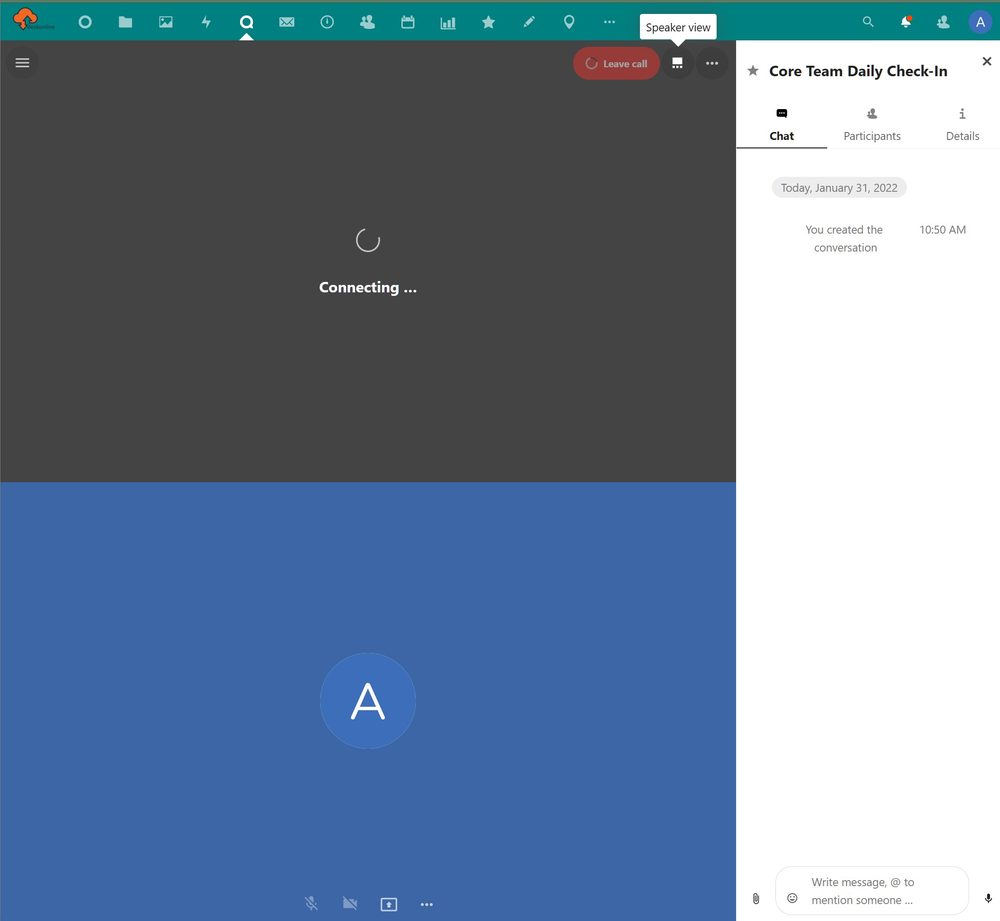
- Video conference, audio conference and chat facilities with the Talk app.
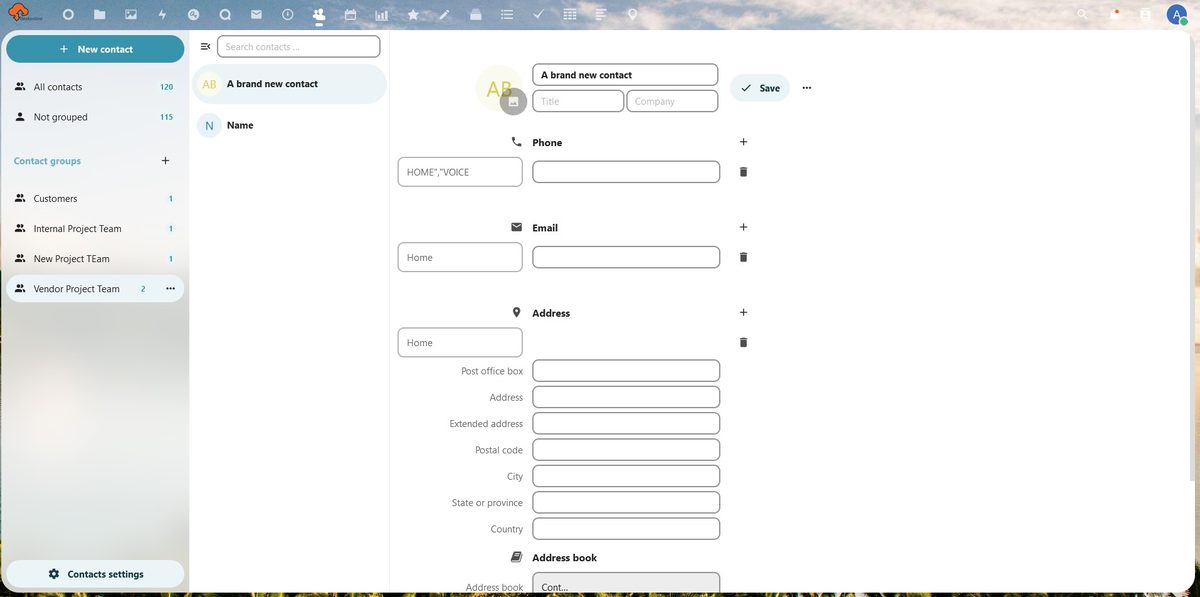
- Contacts list with the ability to assign groups, share contact lists and import existing contact lists.
- Co-author files to significantly improve document revision workflows.
- Kanban boards in the Deck app for planning, organising, assigning and tracking project, team and individual activities.
- Create surveys with the Forms app to gather information and data from internal and external users.
- Photo gallery view with slideshow options offers quick visibility of all image files for viewing and sharing.
Manage processes
Clever tools for managing the lifecycle of business processes, from design to optimise.
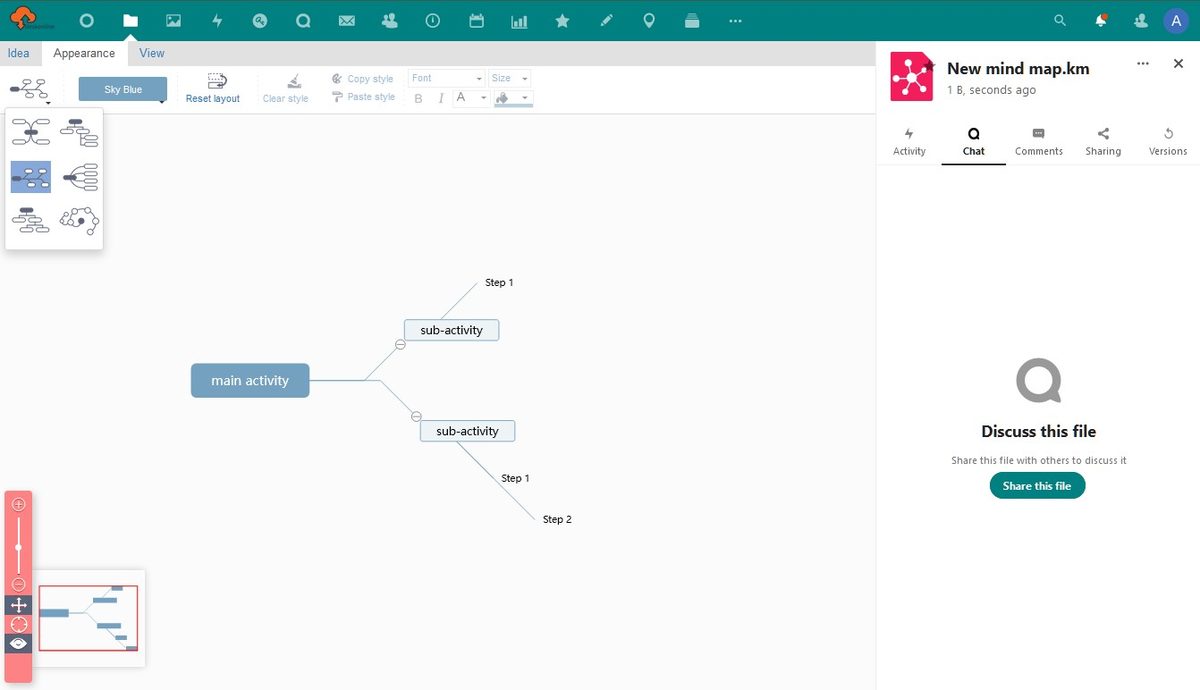
- Do process discovery and analysis with mind map templates (.km) and surveys to gather information in an organised way.
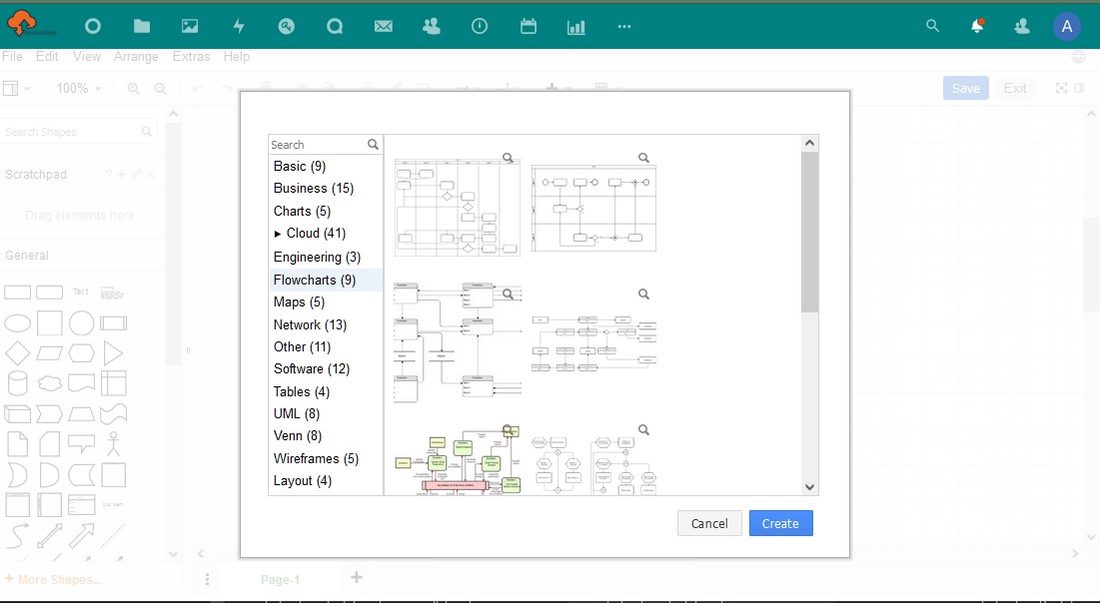
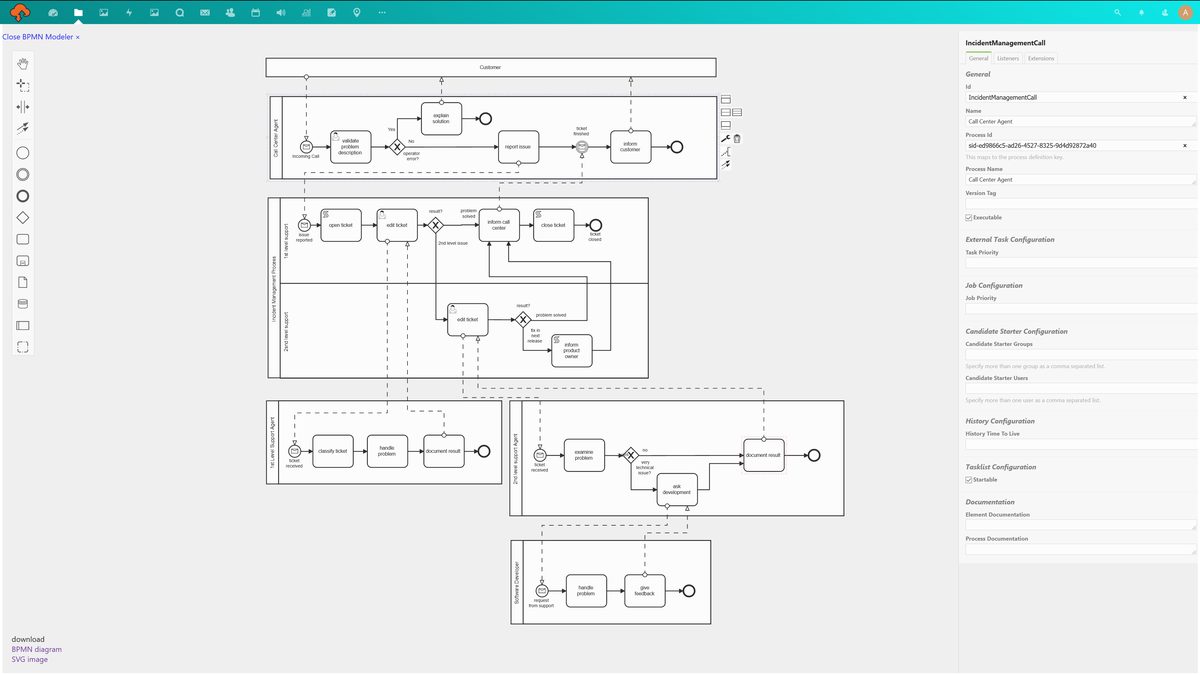
- Create business process diagrams (.vsd, .vsdx, .bpmn) to define current and future state processes and workflows.
- Use collaboration apps to share, review and finalise business processes and workflows with internal and external team members.
- Organise and publish business processes on your own intranet site using our site theme templates, via PicoCMS.
- Control who can see each process folder or file using the sharing permissions in the Files app.
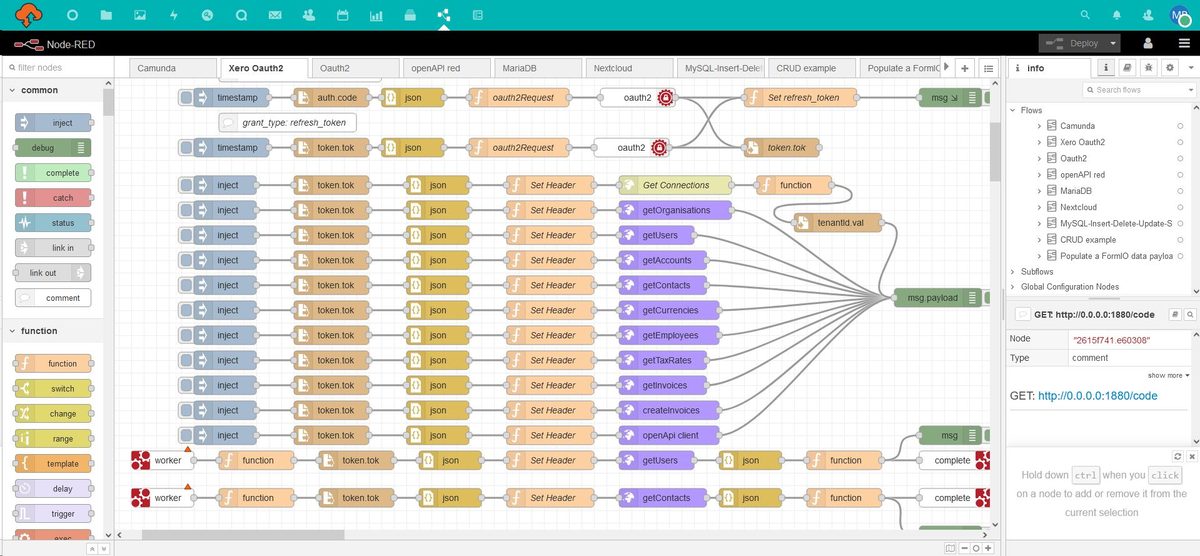
- Optimise and automate business process activities using the Camunda workflow engine and Node-RED integrations.
Access types
Choose the access type that fits your team, then pick a monthly or annual payment cycle. All prices exclude GST.
| Feature | Single user | Small business up to 5 users |
Small business up to 15 users |
Medium business up to 20 users |
Large business 20+ users |
|---|---|---|---|---|---|
| Price per month | $15 | $130 | $240 | $400 | from $1000price on application |
| Raw storage | 50 GB | 2 TB | 2 TB | 3 TB | 5 TB |
| Nextcloud instance | Shared | Shared | Separate, branded | Separate, branded | Separate, branded, clustered with EC2 high availability |
| Collaboration apps | Yes | Yes | Yes | Yes | Yes |
| Desktop and mobile clients | Yes | Yes | Yes | Yes | Branded |
| Video conferencing and desktop sharing | – | Yes | Yes | Yes | Yes, with Talk signalling server for calls over 5 users |
| AWS snapshot backups, 4 week rotation | – | – | – | Yes | Yes |
| Support | 24×7 | 24×7 | |||
| Optional Camunda engine and task management UI | – | – | Yes | Yes | Yes |
Extra group storage or hybrid cloud setups can be purchased separately. Contact sales@deskonline.cloud for pricing questions.
Give it a go
Trial our single user subscription for 30 days. At the end of your trial, start a monthly or annual subscription to enjoy the full digital workspace experience.
Start a free 30 day trialReady to get started now?
Choose an access type, for example single user or small business group, then select a payment cycle.
Start a monthly or annual subscriptionWhen you sign up to use deskonline.cloud, you are responsible for ensuring that all users accessing the digital workspace under your subscription and access type use the platform in accordance with our website terms and conditions, fair use policy and privacy policy.
Desktop and mobile apps
The Nextcloud desktop and mobile clients give you access to your deskonline.cloud data and communication wherever you are. They are free and available for all major platforms. Use the desktop client to keep files synchronised between deskonline.cloud and your computer.
Support
If you are an existing user, here is how to get in contact with us to talk all things support related.